

A history behind every record
Audit events record material changes, status transitions, approvals, comments, and actions instead of leaving the latest value without context.
Audit-ready risk management
Keep risks, incidents, controls, actions, approvals, evidence, and audit history connected so reviews begin with answers instead of document hunting.
No card required for the demo. Paid workspaces activate after checkout.
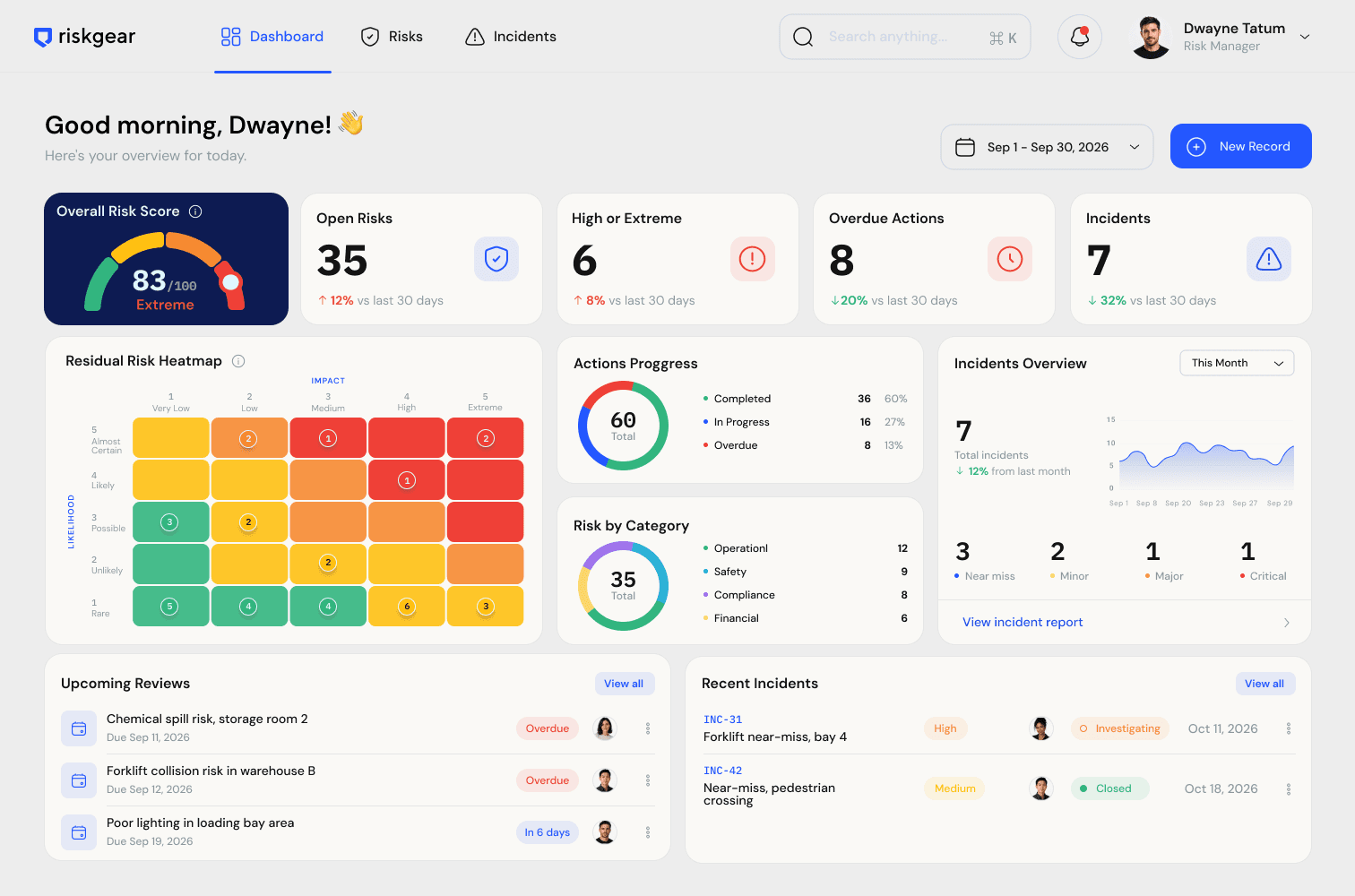
A polished register can show today's status while hiding how the team reached it. Reviewers commonly need to understand who owned a decision, which controls were considered, what changed, and whether follow-up work was completed.
RiskGear is designed around that chain of evidence. The operational record and its audit context stay together throughout assessment, review, treatment, investigation, and reporting.
What the system keeps together
Audit events record material changes, status transitions, approvals, comments, and actions instead of leaving the latest value without context.
Keep attachments, linked records, comments, controls, and action history with the risk or incident they support.
On plans with approval workflow, a submitter cannot approve their own record. A second Admin or Owner must review it.
Export a readable PDF for a record or register without manually reformatting a spreadsheet before every review.
A practical workflow
Keep risk and incident records current during normal work instead of rebuilding them before an audit.
Use role-gated approval where required and retain who submitted, approved, or requested changes.
Check overdue actions, upcoming reviews, linked evidence, and unresolved incidents from one dashboard.
Export the relevant record or register into a consistent PDF for the reviewer or customer.
Frequently asked questions
An audit-ready register should show current assessments and controls as well as ownership, review dates, actions, supporting evidence, approvals, and a traceable history of material changes.
No. RiskGear helps organise records and evidence, but audit outcomes depend on your management system, implementation, evidence quality, applicable requirements, and the auditor's assessment.
Yes. The approval workflow on Growth and Extended plans prevents the person who submitted a record from approving that same record.
Yes. Teams can export PDF reports to share a controlled snapshot without inviting the recipient into the live workspace.
Explore related workflows